

Searching for unison file sync Mac usually means you want something more careful than copying a folder in Finder, but less fragile than inventing your own two-way sync system. Unison can be a solid tool for keeping two folders aligned, as long as you understand where bidirectional sync helps and where developer projects make it risky.
unison file sync Mac: what developers should know first
Unison is a file synchronizer, not a cloud drive. It compares replicas, notices changes on both sides, and tries to propagate the safe updates. That makes it attractive when you have a MacBook and a desktop Mac, a project folder and an external SSD, or a local folder and a mounted network share. You are not just pushing files one way. You are asking the tool to reconcile two places that may both change.
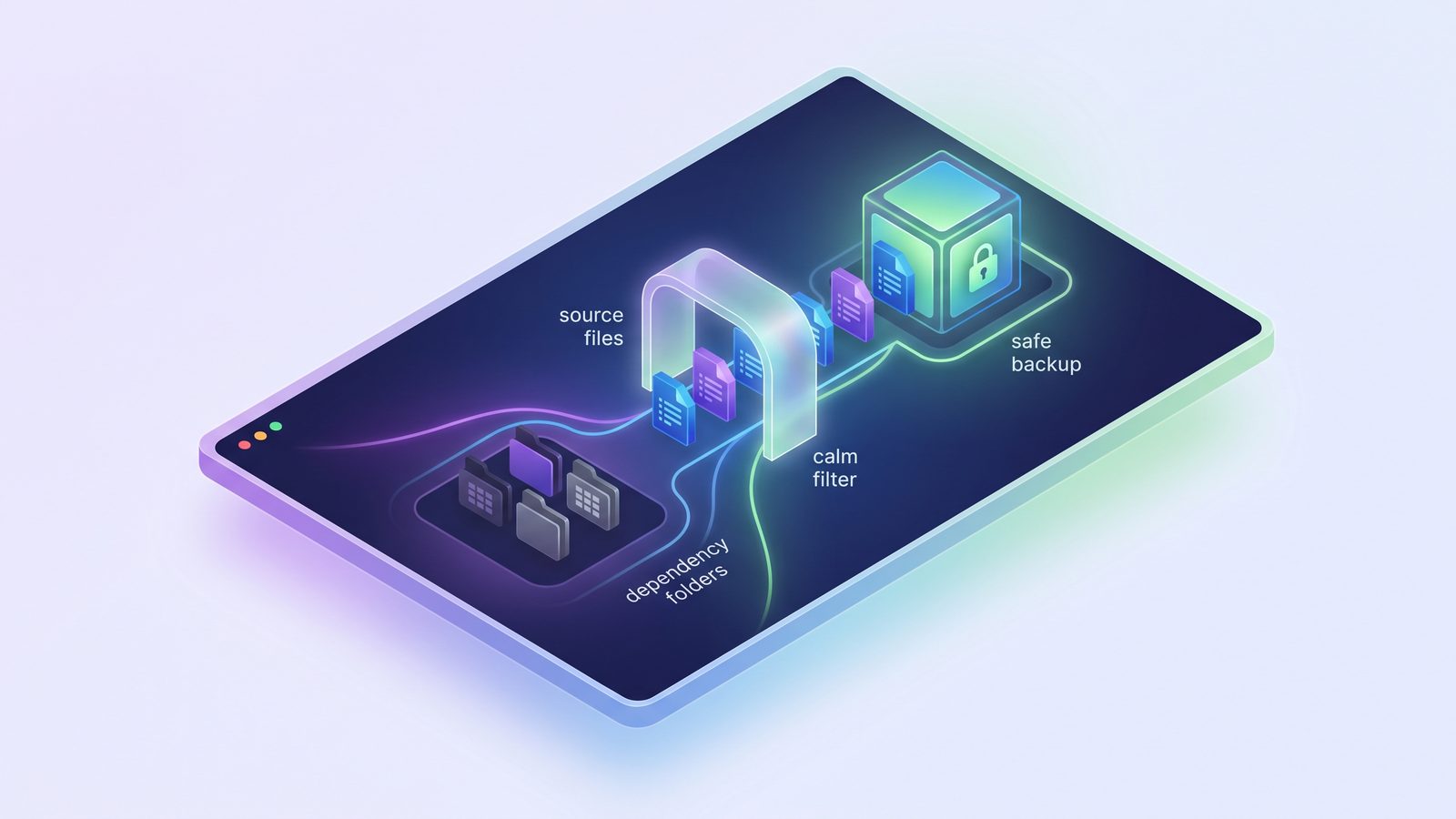
That distinction matters for code. A developer project is not a normal documents folder. It contains durable source files next to disposable generated state. The source files belong in sync. The dependency folders, caches, build output, logs, and sometimes Git internals often do not. If you point any bidirectional sync tool at the whole tree without ignores, you can create a slow, noisy, confusing workflow.
A good Unison setup on macOS starts with a simple rule: sync source and project assets, skip generated folders, and use Git for source history. Treat Unison as a transport layer for selected project files, not as a replacement for commits, branches, backups, or conflict review.
How Unison differs from rsync and cloud sync
rsync is usually one-way. It takes a source, compares it with a destination, and copies changes in one direction. With --delete, it can turn the destination into a mirror of the source. That is ideal for many backups because there is one clear source of truth.
Unison is usually two-way. It keeps metadata about previous syncs, compares both replicas, and decides what changed since the last run. If README.md changed on the MacBook and docs/notes.md changed on the desktop, Unison can copy both changes across. If the same file changed differently on both machines, Unison reports a conflict instead of pretending it knows what you meant.
Cloud sync clients such as iCloud Drive, Dropbox, Google Drive, and OneDrive are different again. They watch folders continuously and upload changes through a provider. That is convenient for documents, but it is often a bad fit for hot code directories. An npm install can create or update thousands of tiny files. A framework build can rewrite caches repeatedly. The cloud client sees churn, not intent.
When Unison is a good fit on macOS
Unison makes sense when you genuinely need bidirectional file sync. Typical examples include a notes folder edited on two Macs, a documentation folder shared between a laptop and desktop, or a small project asset folder that is not already handled by Git. It can also work for code-adjacent files: sample data, local scripts, project notes, design exports, or configuration templates that you intentionally keep outside the repository.
It is also useful when you want control without a commercial cloud provider in the middle. Unison can sync over local paths, mounted volumes, or SSH. That gives technical users a transparent workflow: you can see the endpoints, choose when to run it, and keep data inside infrastructure you control.
For active source code, Git should still be the first synchronization layer. Push branches. Open pull requests. Use remotes for history. Then decide which non-Git files need a folder sync workflow. That separation keeps conflicts where developers already know how to handle them: in Git, with diffs and commits.

The risk with code folders: generated files look real
File sync tools do not know that node_modules/ is disposable, that .next/cache/ can be rebuilt, or that __pycache__/ is interpreter output. They see directories and timestamps. If one Mac regenerates a cache and the other Mac deletes it, a bidirectional tool may interpret that as meaningful divergence.
That creates three practical problems.
1. The first run can be expensive
A medium Node project can contain tens of thousands of files under node_modules/. Python virtual environments, Ruby bundles, Rust target/ directories, and frontend build caches add the same shape of problem. The first sync spends time indexing and copying files that your package manager can recreate. Worse, those files can be platform-specific. A dependency installed on an Apple Silicon Mac may not belong on an Intel Mac or inside a Linux container volume.
2. Conflicts become hard to read
Unison is careful about conflicts, which is good. The problem is signal-to-noise ratio. A real conflict in src/payment.ts matters. A disagreement inside a generated cache usually does not. If the tool reports both with equal weight, you train yourself to skim conflict output. That is how real problems get missed.
3. Cloud destinations can multiply the pain
If your Unison target sits inside iCloud Drive or another cloud-synced folder, the cloud client may upload whatever Unison writes. That can be fine for a filtered project copy. It is painful for a raw mirror containing node_modules, virtual environments, build artifacts, and Git object churn. The sync job finishes, then the cloud client starts its own queue.
A safe Unison setup for Mac developers
If you choose Unison, make the profile boring. Start with a test pair of folders. Add ignores before the first serious sync. Run interactively until you trust the behavior. Then automate only the parts you can observe.
A simple profile might look like this:
# ~/.unison/dev-project.prf
root = /Users/you/Developer/my-app
root = /Volumes/WorkSync/my-app

# Keep permissions practical for normal macOS project copies.
perms = 0
times = true

# Skip generated dependencies and build output.
ignore = Name node_modules
ignore = Name .next
ignore = Name .nuxt
ignore = Name dist
ignore = Name build
ignore = Name coverage
ignore = Name .venv
ignore = Name venv
ignore = Name __pycache__
ignore = Name .pytest_cache
ignore = Name .mypy_cache
ignore = Name .ruff_cache
ignore = Name vendor/bundle
ignore = Name target
ignore = Name .gradle
ignore = Name .DS_Store
Then run it manually:
unison dev-projectReview the proposed changes. If Unison shows a huge dependency tree, stop and fix the profile before accepting anything. If it reports a source-file conflict, resolve that in the editor or in Git, then run Unison again. Do not make your first automated run the first time you learn how conflicts appear.
Be deliberate with .git/. If both sides are working copies and Git remotes are your source of truth, you may prefer to ignore .git and clone normally on the second machine. If the destination is meant to preserve local branches and unpushed commits, use Git-level backups such as a private remote or mirror instead of expecting a generic file sync tool to understand repository semantics.
For backups, one-way sync is often simpler
Many people search for Unison because they want a reliable Mac folder sync tool, then discover they do not actually need two-way sync. If the job is “keep a backup copy of my project on an external SSD,” bidirectional reconciliation adds complexity without adding much value. A one-way mirror or update-only sync has a clearer failure model: source wins, destination follows.
That is where rsync, a cautious GUI, or a developer-focused app can be a better fit. The safe manual version starts with a dry run:
rsync -avn --delete \
  --exclude 'node_modules/' \
  --exclude '.git/' \
  --exclude '.next/' \
  --exclude 'dist/' \
  --exclude 'build/' \
  --exclude '.venv/' \
  --exclude '__pycache__/' \
  ~/Developer/my-app/ /Volumes/Backup/my-app/
Read the output. Check the delete list. Only then remove -n. If the destination is a cloud folder, confirm that the filtered copy is small enough for the provider to handle without turning the Mac into a fan heater.
Where LSyncer fits
LSyncer is for the common case where you want clean Mac developer folder sync without maintaining profiles, shell scripts, or broad cloud-sync workarounds. It is not a full replacement for every Unison workflow. If you truly need bidirectional reconciliation between two changing machines, Unison may still be the right tool.
But if the job is a scheduled local copy, an external-drive backup, or a clean project folder mirror that should skip node_modules, .git, virtual environments, caches, and build output, LSyncer is more focused. You choose folders, keep generated junk out of the destination, see recent sync status, and avoid turning a backup habit into another developer-maintained config file.
LSyncer is a $19.99 one-time purchase on the Mac App Store. No subscription, no cloud account, no analytics. Use Git for source history, use package managers to rebuild dependencies, and use LSyncer for the clean folder copies that should exist outside your active project directory.
Best practices before syncing code folders on macOS
- Keep active projects local. Use
~/Developeror~/Codeinstead of placing hot projects directly in iCloud Drive. - Decide the direction first. If only one side should win, use one-way sync. If both sides change, use a tool with real conflict reporting.
- Exclude generated folders early. Add ignores before the first full sync, not after the destination is already full of dependency junk.
- Restore-test clean copies. A backup that can run
npm ci,pip install -r requirements.txt, orbundle installis more useful than a huge raw mirror. - Keep Git responsible for history. Folder sync moves files. Git explains why they changed.
Related reading
- two way folder sync Mac — broader decision guide for bidirectional Mac sync, generated-folder exclusions, and when one-way is safer.
- Sync files between two Macs — when two machines both edit files, and why Git should handle source-code conflicts.
- Rsync GUI for Mac — what a visual sync workflow should expose before you trust it with project folders.
- File synchronization utility for Mac — compare scripts, cloud clients, visual tools, and filtered app workflows.
- rsync exclude multiple directories on Mac — practical exclusion patterns for dependency folders, caches, and build output.
FAQ
Is Unison good for file sync on Mac?
Yes, Unison can be good for Mac file sync when both locations may change and you are willing to review conflicts. It is less ideal for simple one-way backups, where rsync or a focused sync app is usually easier to reason about.
Should I use Unison to sync node_modules?
Usually no. node_modules is generated from package.json and a lockfile. Syncing it creates thousands of file operations and may copy platform-specific artifacts. Sync the source and lockfile, then rebuild dependencies with npm ci or your package manager.
Is Unison better than rsync on macOS?
Unison is better when you need bidirectional sync with conflict detection. rsync is often better for one-way mirrors, backups, and scripted deployments. For developer backups, the more important question is whether your workflow excludes generated folders and shows failures clearly.
Can I use Unison with iCloud Drive?
You can point a sync destination at an iCloud Drive folder, but do it carefully. If Unison writes a large unfiltered project tree there, iCloud still has to upload those files. Use a filtered copy that skips dependencies, caches, and build output.
Does LSyncer replace Unison?
LSyncer replaces Unison for the common developer workflow of one-way or scheduled clean folder copies on macOS. It does not try to replace Unison's full bidirectional reconciliation model. If both replicas change and need conflict merging, use a true two-way tool and strict ignores.