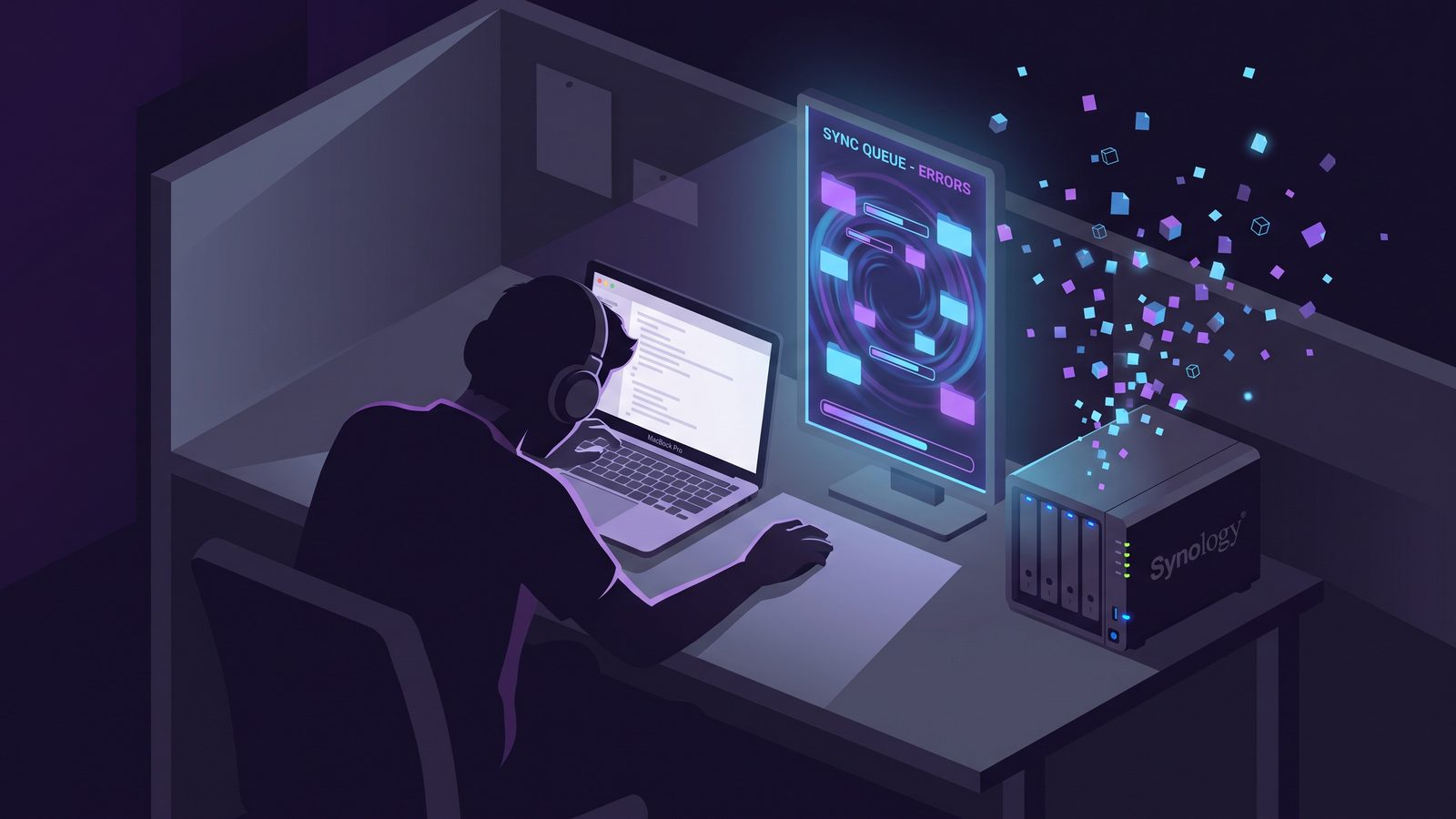
Searching for Synology Drive Client Mac usually means you want a private Dropbox-style workflow for your projects: your Mac on one side, your Synology NAS on the other, and no monthly cloud sync bill in the middle. That can work well for developer files, but only if you keep generated folders such as node_modules/, virtual environments, caches, and build output out of the sync path.
Synology Drive Client Mac: the developer-folder problem
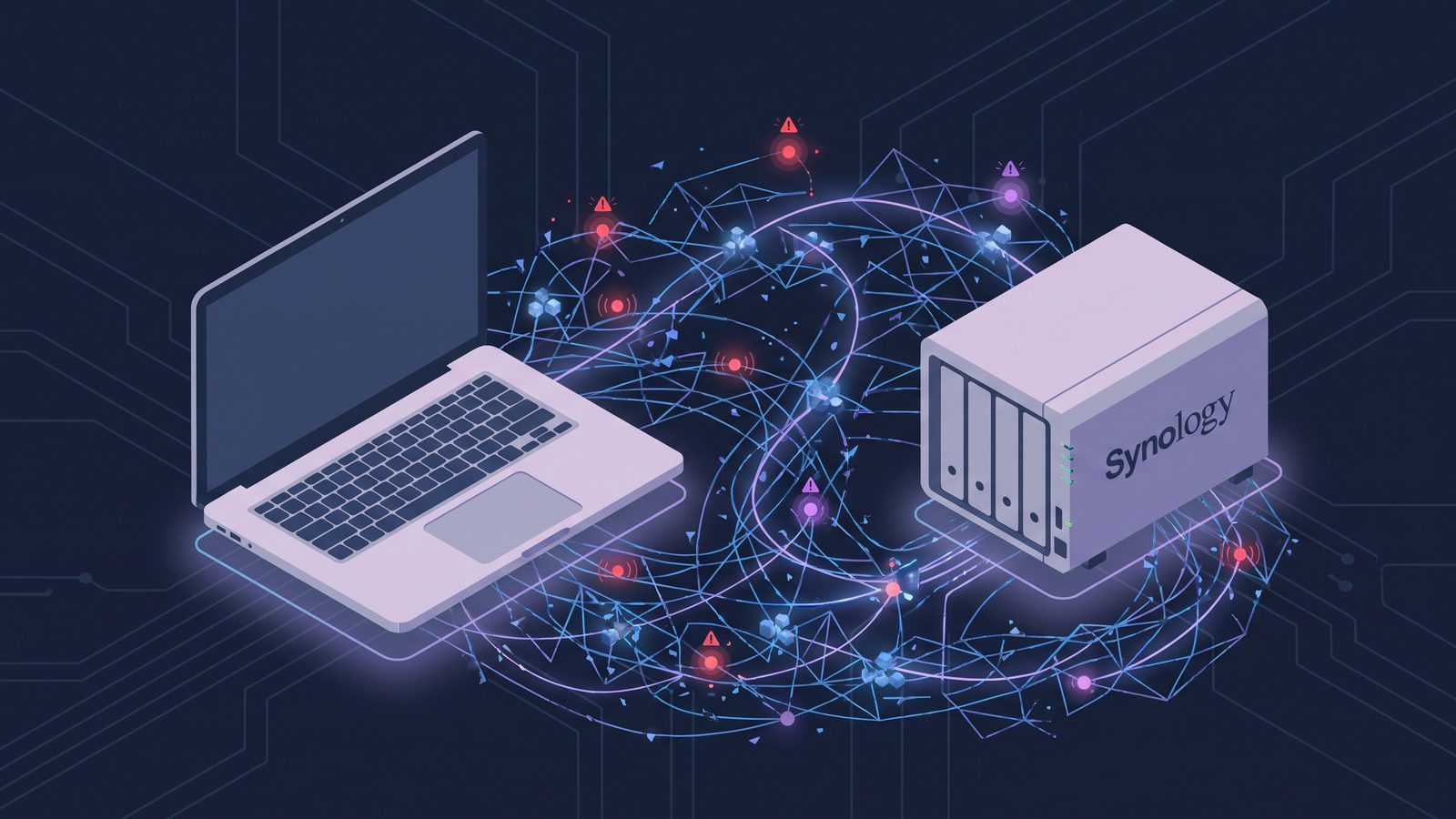
Synology Drive Client is built around continuous file synchronization. It watches a local folder, compares it with a team folder on the NAS, and uploads or downloads changes according to the job mode you choose. For documents, design files, notes, PDFs, and small project assets, that model is straightforward. For an active codebase, it is easy to create more file events than the client, the NAS, and the network share can comfortably process.
The problem is not that Synology Drive is broken. The problem is that developer folders are a mixed workload. A project tree contains durable files you wrote by hand next to disposable state your tools regenerate constantly. The sync client does not know which is which. It sees src/app.ts, package-lock.json, node_modules/.bin/vite, .next/cache/webpack/, .venv/lib/python3.12/site-packages/, and dist/ as files and folders to reconcile.
If you treat the whole project as equally important, the first sync can become a long NAS-indexing exercise. Future installs and builds can keep the queue alive for hours. The Mac may feel slow, the NAS may show constant CPU or disk activity, and the Drive Client status may look stuck even though it is simply chewing through low-value file churn.
Why node_modules and build caches overload NAS sync
A Node.js project can install tens of thousands of small files. Python virtual environments, Ruby Bundler directories, JavaScript framework caches, Rust target/, Gradle caches, and coverage output have the same shape: many files, frequent timestamp changes, and little restore value. A NAS sync job pays overhead for each path: file-system events on macOS, metadata comparison, network transfer decisions, database updates on the NAS, and sometimes versioning or indexing work on the server side.
That overhead matters more than total size. A single 2 GB video file is boring for a sync engine. A 600 MB dependency tree made of 80,000 files is expensive because each file carries metadata, path lookup, queue state, and conflict behavior. Package managers and build tools also rewrite parts of these trees during normal development, which keeps a continuous sync client busy after the initial copy.
Before you configure Synology Drive Client
Start by deciding what the NAS copy is for. If it is collaboration, Git should still carry source history and code review. If it is backup, the destination should be easy to restore from without preserving disposable dependency folders. If it is a shared project handoff between machines, you need an explicit rule for conflicts and local-only files.
For most solo developers, the safest model is not “sync my entire home directory to the NAS.” It is a smaller, filtered project-copy workflow:
- Work locally from
~/Developer,~/Code, or another SSD-backed folder. - Use Git for branches, source history, and collaboration.
- Sync a clean project copy to the NAS for restore convenience, device migration, or local network access.
- Exclude generated directories before the first full sync, not after the NAS already has a giant dependency tree.
That keeps the NAS as a useful recovery target instead of a second live build tree. A clean copy should be boring: source files, lockfiles, docs, migrations, scripts, project notes, maybe sample data. When restored to another Mac, it should become runnable after the appropriate install command, such as npm ci, pnpm install --frozen-lockfile, pip install -r requirements.txt, or bundle install.
Fix 1: narrow Synology Drive scope and exclusions
In Synology Drive Client, avoid pointing a sync task at a broad parent folder that contains every experiment, checkout, cache, and archived project. Create a dedicated source folder for projects you actually want mirrored, or create separate tasks for important projects. Smaller sync scopes are easier to reason about and easier to pause when something misbehaves.
Then add exclusion rules for generated directories. The exact UI can vary by Synology Drive Client version, but the principle is stable: configure ignored file names, ignored folders, or sync rules before the initial run. Start with the common developer patterns:
node_modules/
.git/
.next/
.nuxt/
dist/
build/
coverage/
.venv/
venv/
__pycache__/
.pytest_cache/
.mypy_cache/
.ruff_cache/
vendor/bundle/
target/
.gradle/
.DS_Store
Think carefully about .git/. For a NAS backup, it may be better to ignore .git/ and rely on a real Git remote for repository history. If you need local unpushed work protected, push to a private remote, keep a bare mirror, or use a backup tool that can preserve repository state consistently. A file sync client can copy Git object files, but it does not understand repository transactions the way Git does.
Fix 2: stage a clean copy with rsync first
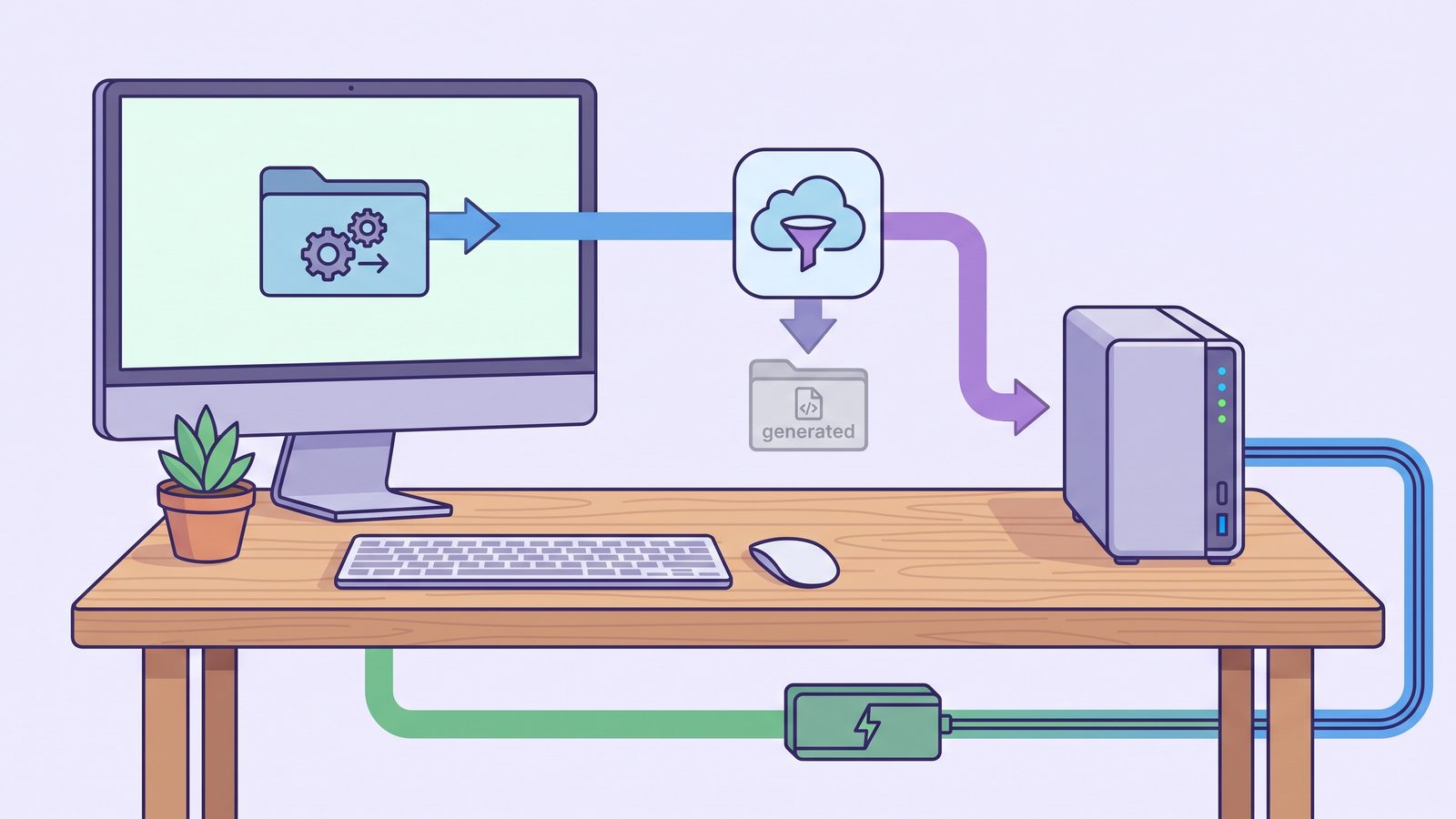
If Synology Drive Client exclusions feel unclear or too broad, stage a clean project copy yourself and let Drive Client sync that staged folder. This separates active development from NAS synchronization. Your package manager can churn inside ~/Developer/my-app, while the staged folder contains only files you want the NAS to see.
Run a dry run first:
mkdir -p ~/SynologyStaging/my-app
rsync -avhn --delete \
  --exclude 'node_modules/' \
  --exclude '.git/' \
  --exclude '.next/' \
  --exclude 'dist/' \
  --exclude 'build/' \
  --exclude 'coverage/' \
  --exclude '.venv/' \
  --exclude 'venv/' \
  --exclude '__pycache__/' \
  ~/Developer/my-app/ ~/SynologyStaging/my-app/
Read the output. If the file list looks right, remove the n from -avhn and run the real copy. Then point Synology Drive Client at ~/SynologyStaging instead of the hot project folder. This adds one local step, but it gives you a visible boundary between development churn and NAS sync.
For multiple projects, move exclusions into a reusable file:
# ~/.config/dev-sync-excludes.txt
node_modules/
.git/
.next/
dist/
build/
coverage/
.venv/
venv/
__pycache__/
.DS_Store
rsync -avh --delete \
--exclude-from="$HOME/.config/dev-sync-excludes.txt" \
~/Developer/my-app/ ~/SynologyStaging/my-app/Fix 3: avoid bidirectional sync for active code unless you need it
Two-way sync is tempting: edit on the MacBook, edit on the desktop, let the NAS reconcile both. For source code, Git is usually a better conflict manager. It has diffs, branches, merges, review tools, and a developer mental model built around intentional changes. A generic file sync conflict inside src/ is less informative, and a conflict inside a generated cache is noise.
If you use Synology Drive Client to keep a MacBook and desktop Mac aligned, keep the synced set narrow and let Git handle source changes. Sync notes, docs, exported assets, and small support files if needed. For code itself, push and pull. If you still choose bidirectional sync, run a small test first: edit the same file on both Macs, delete a generated folder on one side, and see exactly how the client reports conflicts before trusting it with billable work.
Fix 4: check NAS-side settings that amplify churn
After exclusions, review the NAS side. Version retention, indexing, antivirus scanning, snapshots, and package-level services can all add work after files arrive. Those features may be valuable, but they are expensive when pointed at disposable dependency trees. If your Drive Client task already uploaded node_modules/, clearing it from the NAS and tightening the rules can reduce ongoing background work.
Also check network assumptions. A first sync over Wi-Fi can feel like a client problem when the real issue is packet loss or a sleeping laptop. For large initial jobs, Ethernet is boring in the best way. Keep the Mac awake, confirm the NAS share is healthy, and do the first run while you can watch the status instead of discovering a half-finished queue days later.
Where LSyncer fits with Synology Drive
LSyncer fits the common case where you want a clean Mac developer folder copy without maintaining staging scripts or asking a continuous cloud-style client to understand build artifacts. Mount a Synology share in Finder, choose it as the destination, and configure a sync job that skips node_modules/, .git/, virtual environments, build output, and caches. Run it manually before travel or schedule it for a predictable backup rhythm.
That does not replace Synology Drive Client for every use case. If you want Synology’s collaboration features, team folders, versioning, or remote device sync, keep using them where they fit. LSyncer is the focused local Mac layer: clean project copies, visible sync status, and developer-friendly exclusions without another subscription. LSyncer is a $19.99 one-time purchase on the Mac App Store.
Best practices for Synology Drive Client Mac developers
- Keep active projects on the local SSD. Work from
~/Developeror~/Code, not directly from a NAS-mounted folder. - Decide whether the NAS copy is backup or collaboration. One-way filtered backup and bidirectional collaboration have different failure modes.
- Exclude generated files before the first run. Do not wait until the NAS has indexed thousands of dependencies.
- Use Git for history. Folder sync is useful for copies; Git is better for explaining changes.
- Restore-test the NAS copy. Copy it to a scratch folder and run the install/test commands your project documents.
- Watch the first few scheduled runs. A visible clean status is worth more than a sync job you assume is healthy.
mkdir -p ~/RestoreTest
rsync -avh /Volumes/SynologyProjects/my-app/ ~/RestoreTest/my-app/
cd ~/RestoreTest/my-app
npm ci
npm test
If the restore test fails because node_modules/ is missing, the answer is usually to document the install command, not to sync node_modules/. If it fails because a hand-written config file is missing, update your sync rules. The test is useful precisely because it separates generated state from files your future self actually needs.
Related reading
- Mac NAS Backup Solution — how to layer Time Machine, rsync, and filtered project sync for NAS backups.
- Mac sync folders local shared network — a broader LAN sync workflow for SMB shares, office servers, and mounted network folders.
- rsync exclude-from Mac — reusable exclude files for developer backups that skip generated folders.
- File synchronization utility for Mac — compare cloud clients, scripts, visual tools, and focused sync apps.
FAQ
Is Synology Drive Client good on Mac?
Yes, Synology Drive Client can be good on Mac for documents, project assets, and clean filtered project copies. It becomes painful when it watches active developer folders that contain generated dependency trees, caches, build output, and other high-churn files.
Should Synology Drive Client sync node_modules?
Usually no. Sync package.json and the lockfile, then rebuild dependencies with npm ci or your package manager. Syncing node_modules/ adds thousands of small files to the queue and rarely improves recovery.
Can I exclude folders in Synology Drive Client on Mac?
Synology Drive Client supports sync rules and ignored patterns, though the exact UI can vary by version. Configure exclusions before the first sync and test with a small project so you know whether folders such as node_modules/, .venv/, and dist/ are actually skipped.
Is it safe to work directly from a Synology NAS share on Mac?
For most development work, no. Package installs, file watchers, and builds are faster and more reliable on the local SSD. Use the NAS as a backup, collaboration, or restore target, then sync or copy a filtered project version to it.
What is a better workflow than syncing an entire project folder to Synology?
Keep active work local, use Git for source history, and sync a filtered project copy to Synology. Exclude dependencies, caches, build output, coverage, and local OS metadata. A focused app such as LSyncer or a careful rsync job can create that clean copy without pushing generated churn through Synology Drive Client.