
Mirror folder Mac searches usually start with a simple goal: keep one folder identical somewhere else. That goal gets less simple when the folder is a real development project with node_modules/, .git/, virtual environments, build output, test caches, generated assets, and tools rewriting files while you work.
Mirror folder Mac without copying generated files
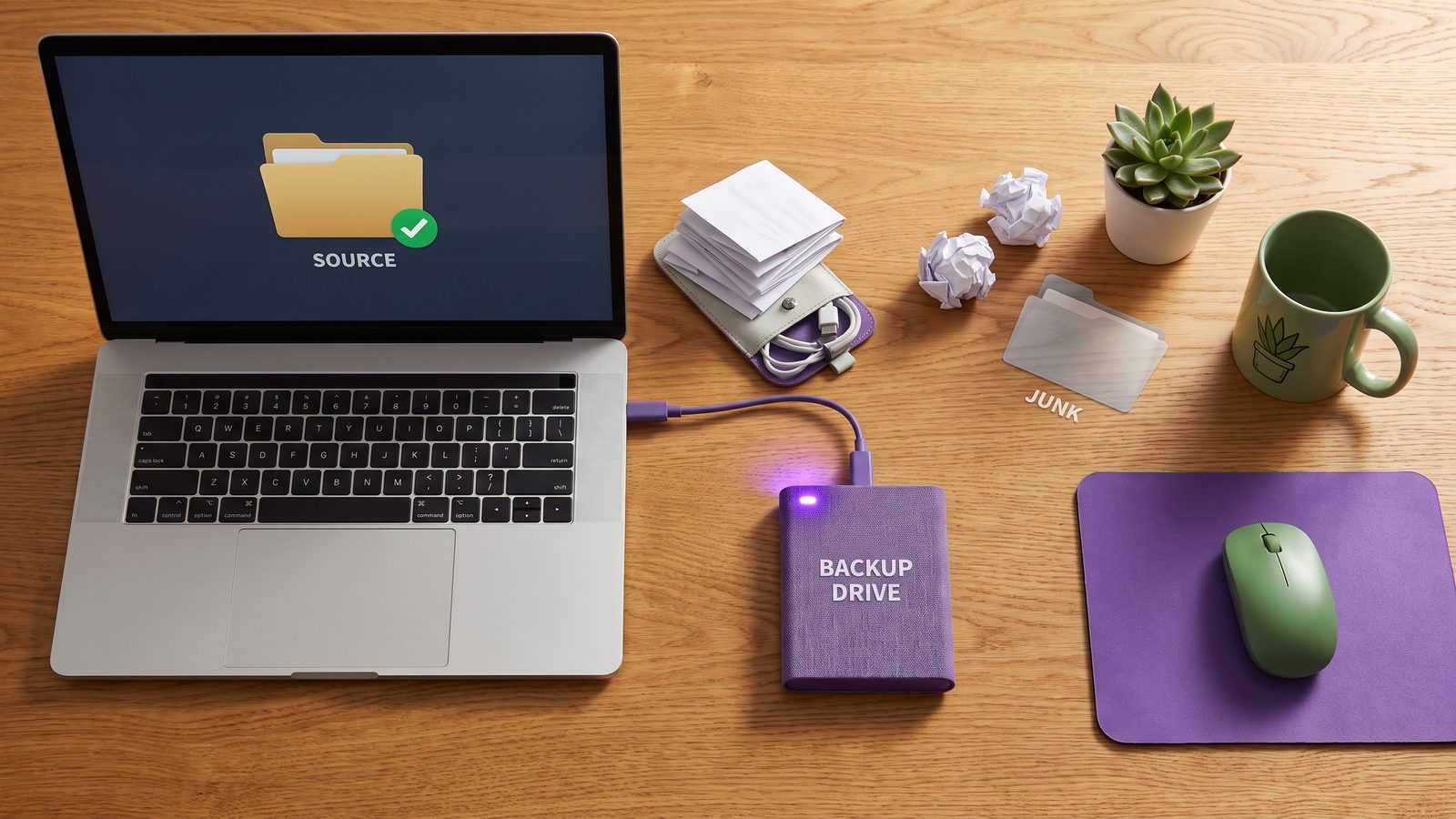
If you want to mirror folder Mac project directories safely, the first decision is what “mirror” should mean. For photos or PDFs, mirroring every file is reasonable. For code, a byte-for-byte mirror of the working directory is often the wrong target. You want a reliable copy of the files needed to rebuild the project: source code, tests, docs, configuration, migrations, lockfiles, scripts, and small project assets. You usually do not want to copy dependency trees or machine-local build state.
That distinction matters because a mirror job is usually allowed to overwrite or delete files at the destination. A bad mirror can faithfully preserve the wrong thing: stale node_modules/, half-written build output, platform-specific binaries, or a broken cache. A good developer mirror is filtered, previewed, repeatable, and easy to restore from.
Why Mac folder mirroring gets risky for code projects
Folder mirroring tools compare two paths, decide what changed, and then make the destination match the source. The danger is not the comparison itself. The danger is that modern projects contain a mix of human-authored files and disposable output inside the same tree.
A single npm install can create tens of thousands of small files. Python projects may include .venv/, __pycache__/, .pytest_cache/, and .mypy_cache/. Ruby apps generate vendor/bundle/, tmp/, and logs. Front-end frameworks write .next/cache/, .nuxt/, dist/, build/, .vite/, and .turbo/. Git stores object databases under .git/ that change constantly during normal work.
When those folders are mirrored blindly, three things happen:
- The mirror gets slow. The job spends most of its time scanning and copying files that can be recreated.
- The destination becomes noisy. Backups are harder to inspect because real source changes are buried under cache churn.
- Deletes become scarier. A mirror with
--deletecan remove destination files quickly, so previewing and excluding correctly matters.
Option 1: mirror a folder on Mac with rsync
rsync is the most precise built-in answer for Mac folder mirroring. It is scriptable, fast after the first run, and supports exclusions. The part that deserves respect is deletion: --delete makes the destination match the source by removing files that no longer exist at the source. That is what most people mean by “mirror,” but it is also how mistakes become expensive.
Start with a dry run. The trailing slashes are intentional: they mean “copy the contents of this folder into the destination folder.”
rsync -avnih --delete \
  ~/Developer/my-app/ \
  /Volumes/Backup/projects/my-app/
Read the output. If it wants to delete something you expected to keep, stop and fix the paths or exclusions. When the preview is correct, remove the n from -avnih:
rsync -avih --delete \
  ~/Developer/my-app/ \
  /Volumes/Backup/projects/my-app/
This is fine for ordinary folders. For development projects, add an exclude file before the first real mirror:
cat > ~/.developer-mirror-excludes <<'EOF'
node_modules/
.pnpm-store/
.yarn/cache/
.next/cache/
.nuxt/
dist/
build/
coverage/
.turbo/
.vite/
.git/
.venv/
venv/
__pycache__/
.pytest_cache/
.mypy_cache/
vendor/bundle/
tmp/
log/
target/
.gradle/
.DS_Store
EOF
Then preview the filtered mirror:
rsync -avnih --delete \
  --exclude-from "$HOME/.developer-mirror-excludes" \
  ~/Developer/my-app/ \
  /Volumes/Backup/projects/my-app/
This gives you a clean destination without copying a dependency tree that belongs to the source Mac. If you restore the mirror on another machine, run npm ci, pnpm install --frozen-lockfile, pip install -r requirements.txt, bundle install, or the equivalent for that stack.

Option 2: use Finder, ditto, or Disk Utility for simple mirrors
Not every mirror job needs a custom tool. Finder copies are acceptable for small, one-off folders where deletion behavior does not matter. ditto is useful when you want a command-line copy that preserves common macOS metadata:
ditto ~/Documents/Client-A/ /Volumes/Backup/Client-A/The limitation is that Finder and ditto are not great safety rails for developer mirrors. Finder does not give you a clean dry-run report. ditto copies what you point it at, but it is not a full mirror with the same preview-and-delete workflow as rsync. Disk Utility clones are better for volumes than for selected project folders.
Use these tools when the folder is boring. If the folder contains a repository, dependencies, caches, or generated output, use a filtered workflow instead.
Option 3: mirror to an external drive or NAS
Mirroring a Mac folder to an external SSD, network share, or NAS is a practical developer backup pattern. Keep the active project under a local path such as ~/Developer or ~/Code. Mirror a filtered copy to the backup destination. Do not actively develop inside the backup folder.
For an external drive, a typical layout is:
~/Developer/my-app/                 # active source
/Volumes/DevBackup/projects/my-app/ # filtered mirror
For a NAS or file server, mount the share first, then treat it like any other destination under /Volumes/. Be careful with network interruptions. A mirror job that starts writing to a flaky destination can leave a partial copy. That is another reason dry runs, logs, and visible last-run status matter.
If you use Time Machine as your main safety net, filtered folder mirrors still help. Time Machine is good for whole-Mac recovery, but developer folders can bloat it with generated files. A clean project mirror gives you a smaller, easier-to-inspect copy when you only need one repository or client project restored.
Option 4: use cloud drive as a destination, not the active project folder
iCloud Drive, Dropbox, Google Drive, and OneDrive are convenient destinations. They are poor places to keep hot code folders. If your editor, language server, test runner, package manager, and cloud client all watch the same tree, the Mac spends too much time reacting to file churn.
A better pattern is to work locally and mirror a filtered copy into the cloud folder:
~/Developer/my-app/                         # active project
~/Library/Mobile Documents/.../my-app-clean/ # cloud-backed filtered mirror
The cloud client then uploads source, configs, docs, and lockfiles instead of every dependency and cache file. If iCloud gets stuck, the queue is smaller and easier to reason about. If another Mac downloads the folder, it receives a clean project state and can rebuild dependencies locally.
For more detail on iCloud-specific queue problems, see iCloud Stuck on Syncing on Mac and How to stop iCloud from syncing certain folders on Mac.
Option 5: use a Mac folder sync app with exclusions and status
A GUI sync app makes sense when the mirror should be repeatable but you do not want another shell script to maintain. The feature checklist for developer work is specific:
- Folder exclusions for
node_modules/,.git/, virtual environments, build output, caches, and OS metadata. - Previewable behavior or at least clear logs, especially if destination deletes are possible.
- Per-project rules because a Node app, Python service, and Rails app create different noise.
- Visible status so you know when the last mirror ran and whether it failed.
- Scheduling for external-drive, NAS, or cloud-destination mirrors that should happen without manual commands.
This is where LSyncer fits naturally. It is a native macOS folder sync app built for developer folders, with smart exclusions for the files that make generic sync painful. You choose a source, choose a destination, skip generated junk, and keep a clean mirror without asking iCloud or a broad backup tool to understand your project. The app is $19.99 one-time, no subscription, and it does not require a cloud account.
Best practices for Mac folder mirroring
- Keep active work outside cloud-synced folders. Use
~/Developeror~/Codefor active projects, then mirror filtered copies where needed. - Use lockfiles as restore contracts. Mirror
package-lock.json,pnpm-lock.yaml,yarn.lock,requirements.txt,poetry.lock,Gemfile.lock, and equivalent dependency manifests. - Dry-run before destructive mirrors. With
rsync, use-nbefore removing it. With GUI tools, inspect previews or logs. - Do periodic restore tests. Copy the mirror to a temporary folder and run the install/test command. A backup you never restore is only a guess.
- Keep Git for history. Folder mirroring is not a replacement for commits, branches, and remotes. Use it as a recovery layer for project state.
Related reading
- One Way Folder Sync Mac — send clean project copies to a backup destination without reverse-sync conflicts.
- Rsync Dry Run on Mac — preview copy and delete behavior before you trust a mirror job.
- rsync delete files not in source Mac — make a destination match the source without deleting surprises.
- Sync Folder to External Hard Drive Mac — build a clean external SSD project backup workflow.
- Mac copy folder exclude files — use exclude rules to copy project folders without dependency junk.
FAQ
What is the safest way to mirror a folder on Mac?
For a strict mirror, rsync with a dry run is the safest built-in approach because you can preview copy and delete behavior before changing the destination. For developer folders, add exclusions for generated directories before running the real mirror.
Should I mirror node_modules?
Usually no. Mirror package.json and the lockfile, then recreate node_modules/ with npm ci, pnpm install --frozen-lockfile, or the package manager your project uses. Copying dependencies makes mirrors slower and restores noisier.
Can iCloud Drive mirror folders on a Mac?
iCloud Drive can keep files available across Macs, but it is not a selective project mirroring tool. It tends to watch everything inside its folder. For code projects, work locally and mirror a filtered copy into iCloud if you want cloud availability.
What is the difference between copy and mirror?
A copy usually adds or overwrites files at the destination. A mirror makes the destination match the source, often including deletions. That makes mirrors more useful for backups that should stay current, but also more dangerous without previews and correct paths.
Is LSyncer an rsync replacement?
LSyncer is not trying to replace every advanced rsync script. It is for Mac developers who want a repeatable GUI folder sync workflow with developer-friendly exclusions, scheduling, and visible status without maintaining shell commands.