

If you are searching for a GoodSync alternative for Mac, start by separating two jobs that often get mixed together: general file synchronization and developer project backup. GoodSync can be useful for normal documents, photos, and cross-device sync. Code folders are different. A useful replacement has to handle node_modules, .git, virtual environments, build output, package caches, generated indexes, and sync jobs that fail when a drive or cloud folder is not available.
GoodSync alternative for Mac developers: define the real problem first
The most common mistake is evaluating a sync tool by the number of places it can connect to. SFTP, WebDAV, cloud storage, network shares, NAS boxes, and external drives are all useful destinations. But when the source is a working project folder, the harder question is what should enter the sync set at all.
A typical web project may contain a few megabytes of source code and hundreds of megabytes of generated dependency state. A Python or Ruby project may hide installed packages, compiled bytecode, local databases, logs, and framework caches. A Git repository includes an object database that is constantly rewritten during fetches, rebases, garbage collection, and branch work. Xcode projects add DerivedData and build products. None of that is usually the thing you want to preserve in a clean folder backup.
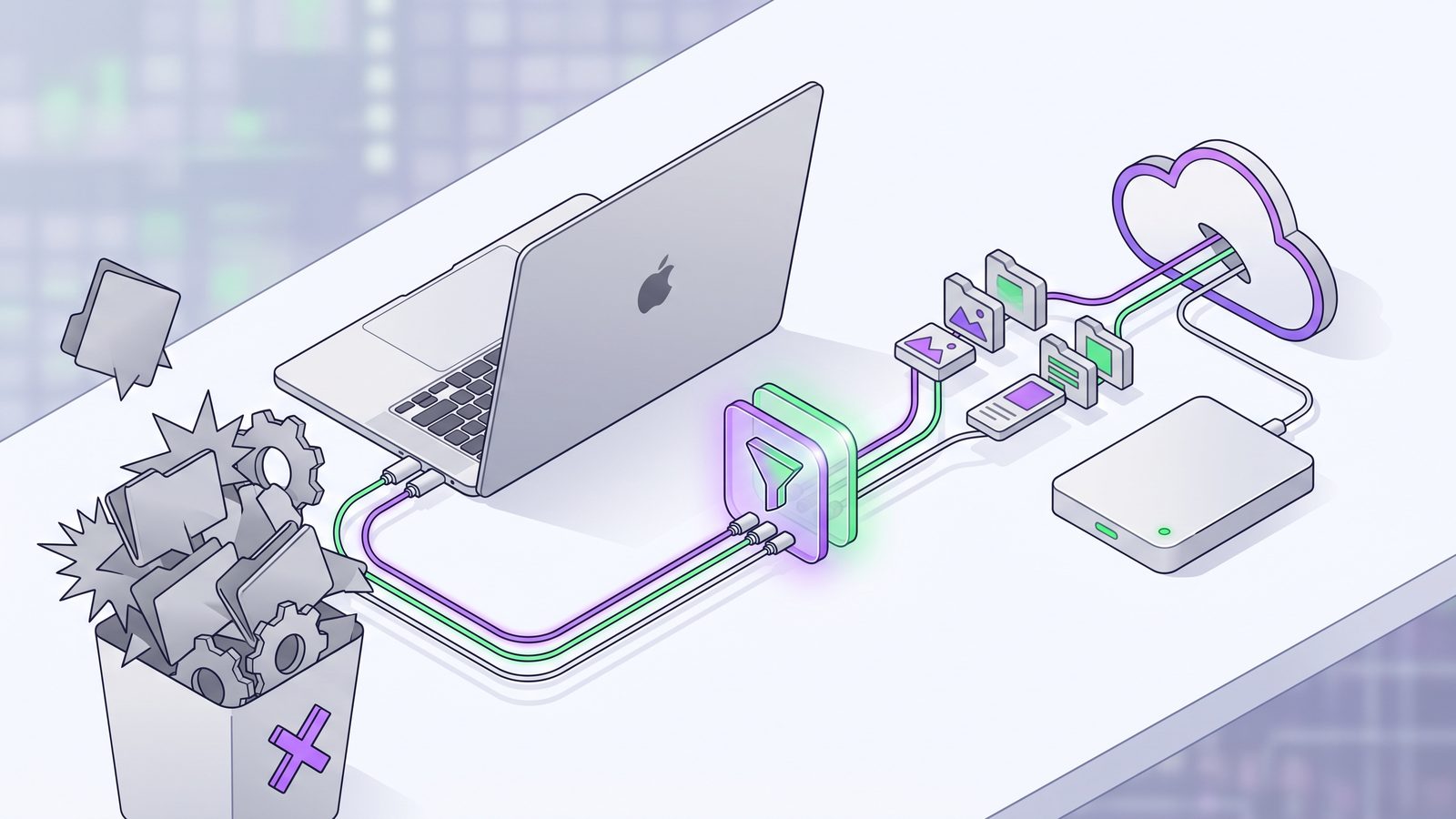
So the useful GoodSync alternative for Mac developers is not simply “another app that syncs two folders.” It is a workflow that keeps durable project state and skips disposable machine state. Durable state means source files, tests, docs, lockfiles, config, migrations, scripts, assets, and project metadata. Disposable state means dependencies, caches, logs, temporary files, build output, local indexes, and anything that can be rebuilt from the durable state.
Why developer folders make sync tools feel slow
Most sync tools walk the source tree, compare file metadata, decide what changed, then copy, update, or delete files at the destination. That is reasonable for human-scale folders. It gets expensive when package managers and build systems create thousands of small files in bursts.
Small files are costly because each one has overhead: directory traversal, permissions, timestamps, extended attributes, conflict rules, checksums or size checks, destination writes, and sometimes cloud-provider metadata. A single 1 GB video can be easier to sync than a 200 MB dependency tree with 80,000 files. The bytes are not the whole problem. The file count and churn pattern are the problem.
That is why a generic sync job can look “stuck” even when nothing is wrong with the network. The tool is doing exactly what it was asked to do: copying the noisy parts of a project that do not belong in the backup. If the destination is inside iCloud Drive, Dropbox, Google Drive, OneDrive, or a network folder watched by another service, every write can trigger another layer of indexing and sync work.

What to look for in a GoodSync alternative for Mac
GoodSync is broad. A replacement might need to be broad too if your main requirement is syncing many services. But for code-folder backups, a narrower tool can be safer because the job is narrower. Evaluate alternatives by failure behavior, not by checklist length.
1. Developer exclusions that are easy to audit
The tool should make it obvious how to skip node_modules/, .git/, .venv/, venv/, vendor/bundle/, dist/, build/, .next/cache/, .turbo/, coverage/, target/, __pycache__/, .pytest_cache/, logs, temp files, and .DS_Store. If each sync job requires rebuilding the same list by hand, the tool is pushing maintenance back onto you.
2. Clear one-way sync and delete behavior
For backups, one-way sync is usually the default you want: source to destination. Bidirectional sync is a collaboration or multi-machine workflow, not a backup workflow. If a job deletes files from the destination, the tool should make that destructive behavior visible. A mistaken path with mirror mode can erase useful history faster than it can protect you.
3. Visible status after scheduled runs
Automated sync only helps if you can tell whether it happened. Look for last-run time, failure details, skipped destination warnings, and a way to notice stale backups. A backup that silently stopped after an external SSD failed to mount is worse than a manual process because it gives you false confidence.
4. Restore-oriented thinking
The best test is not “did the app copy files?” The best test is “can I restore from the destination?” For a JavaScript project, that means the destination has package.json, a lockfile, source files, config, and docs. It does not need to contain node_modules. For Python, it should preserve pyproject.toml, requirements.txt, uv.lock, or poetry.lock; it does not need a local .venv. For Ruby, keep Gemfile and Gemfile.lock; rebuild vendor/bundle if needed.
Practical GoodSync alternatives on Mac
The right alternative depends on what you wanted GoodSync to do. Here are the practical options for Mac developers, from simplest to most controlled.
Option 1: rsync with an exclude file
If you are comfortable in Terminal, rsync is still the honest baseline. It is scriptable, fast, and explicit. The safe version keeps exclusions in a reusable file and uses a dry run before any destructive mirror.
# ~/.config/dev-sync-excludes.txt
node_modules/
.pnpm-store/
.yarn/cache/
.git/
.venv/
venv/
vendor/bundle/
dist/
build/
.next/cache/
.turbo/
coverage/
target/
__pycache__/
.pytest_cache/
DerivedData/
.DS_Store
rsync -avnih --delete \
--exclude-from ~/.config/dev-sync-excludes.txt \
~/Developer/my-app/ /Volumes/Backup/my-app/Read the preview. Check the destination path. Only then remove -n:
rsync -avh --delete \
  --exclude-from ~/.config/dev-sync-excludes.txt \
  ~/Developer/my-app/ /Volumes/Backup/my-app/
The upside is control. The downside is ownership. You still need scheduling, logging, notifications, mounted-drive checks, and a habit of reviewing failures. If you build all of that around launchd, you have a capable system. You also have another tiny internal tool to maintain.
Option 2: FreeFileSync or general GUI sync tools
FreeFileSync and similar apps can be good GoodSync alternatives when you want a visual comparison and broad folder-sync features. The important part is configuring filters before the first run. A general GUI tool may happily copy node_modules, .git, virtual environments, and build output unless you tell it not to.
This route works well if you sync many kinds of folders and like reviewing differences manually. It is less focused if the recurring job is always “copy this code project to that backup location, skip generated junk, and tell me if it failed.” For that narrow job, broad configuration can feel like extra surface area.
Option 3: iCloud, Dropbox, Google Drive, or OneDrive as a filtered destination
Cloud clients are useful destinations, but poor live workspaces for dependency-heavy projects. Avoid keeping active projects directly inside cloud-synced folders when package managers or build tools are writing thousands of files. A safer layout is:
~/Developer/my-app/                         # active local project
~/Library/Mobile Documents/.../my-app-copy  # filtered iCloud mirror
The sync tool, script, or app copies a filtered mirror into the cloud folder. The cloud client then sees source files and lockfiles, not the whole dependency tree. This pattern is especially useful if iCloud Drive keeps showing “waiting to upload,” Dropbox is stuck on thousands of files, or Google Drive/OneDrive is indexing a project for hours.
Option 4: LSyncer for focused developer sync
LSyncer fits when your GoodSync replacement does not need to be a universal file-transfer platform. It is a native macOS folder sync app built for recurring developer folder jobs: choose a source, choose a destination, keep common exclusions in place, schedule syncs, and see whether the last run succeeded.
That focus is the point. LSyncer skips the folders that usually hurt developer sync jobs: node_modules, .git, virtual environments, build output, and caches. It is not a Git replacement, a cloud service, or a disk-imaging tool. It is a small visible utility for keeping clean project copies current. The price is $19.99 one-time on the Mac App Store, with no subscription.
GoodSync vs LSyncer for code-folder backups
| Need | GoodSync-style broad sync | LSyncer-style developer sync |
|---|---|---|
| Many remote services | Strong fit | Not the main focus |
| Clean code-folder backups | Possible with careful filters | Designed around this job |
node_modules and generated folders |
Must be excluded deliberately | Core workflow expects exclusions |
| Scheduled local folder sync | Feature-rich but broad | Focused, visible, local-first |
| Best user | Someone syncing many folder types across many endpoints | Mac developer backing up project folders without junk |
Developer backup checklist before switching from GoodSync
- Move active work out of cloud-synced folders. Prefer
~/Developer/or~/Code/for live projects, then sync a filtered mirror elsewhere. - Write down what must restore. Source, tests, migrations, docs, lockfiles, config, project files, and scripts usually belong.
- Write down what can rebuild. Dependencies, virtual environments, build products, caches, local indexes, logs, and temporary files usually do not belong.
- Decide whether this is backup or collaboration. Backup is usually one-way. Collaboration or two-machine editing may need Git, Syncthing, Unison, or another conflict-aware workflow.
- Test one restore. Copy the destination to a scratch location and run
npm ci,pnpm install --frozen-lockfile,uv sync,pip install -r requirements.txt,bundle install, or the equivalent for your stack. - Make failure visible. Whether you use
rsync, FreeFileSync, GoodSync, LSyncer, or another tool, know where the last-run status and failure alerts live.
That checklist matters more than the app name. A clean developer backup is a restore plan. Once you know what should be preserved and what should be rebuilt, choosing a GoodSync alternative for Mac becomes much easier.
Related reading
- Mac folder sync software for developers — a broader checklist for choosing a sync tool that understands generated project files.
- Sync Folders Pro alternative for Mac developers — how to compare general GUI sync tools against focused code-folder workflows.
- Best rsync alternative for Mac developers — when command-line scripts are enough and when visible app status is safer.
- FreeFileSync exclude folders on Mac — practical filter patterns for dependency folders, caches, and Git internals.
FAQ
What is the best GoodSync alternative for Mac developers?
The best GoodSync alternative for Mac developers is the tool that matches the restore workflow. Use rsync if you want scripts and full control, FreeFileSync if you want visual comparison, and LSyncer if you want a focused macOS app for clean code-folder backups with developer exclusions and visible status.
Should a GoodSync alternative copy node_modules?
Usually no. node_modules is large, noisy, and reproducible from package.json plus a lockfile. A clean backup should copy source files and lockfiles, then rebuild dependencies with npm ci, pnpm install, or yarn install when needed.
Can I use iCloud Drive with a GoodSync alternative?
Yes, but use iCloud Drive as a filtered destination rather than the live project folder. Keep active projects local, then sync a clean mirror into iCloud while excluding dependency folders, Git internals, virtual environments, caches, and build output.
Is rsync a good GoodSync alternative on Mac?
rsync is a good GoodSync alternative if you are comfortable with Terminal and maintain your own excludes, dry runs, schedules, logs, and failure notifications. It is powerful, but it is not self-monitoring unless you build that surrounding workflow.
When is LSyncer a better fit than a broad sync tool?
LSyncer is a better fit when the job is recurring developer folder sync on macOS: copy source and project files, skip node_modules, .git, virtual environments, caches, and build output, and keep the last-run status visible. A broad sync tool is better when you need many remote protocols or non-developer sync workflows.