
You run npm install. For a minute, everything looks normal. Then Finder starts beach-balling, the fans wake up, and Activity Monitor shows a cloud sync process chewing through CPU. That is usually iCloud, Dropbox, or Google Drive trying to sync node_modules: tens of thousands of tiny files that can be recreated in one command. If you need node_modules sync without turning your Mac into a space heater, the fix is to sync less, not harder.
Why node_modules breaks cloud sync on Mac
A typical node_modules folder is not one big file. It is thousands of nested directories and small JavaScript files, each with its own inode, permissions, and timestamp. Cloud sync tools watch for file changes, and every change triggers an upload queue. When npm install creates or deletes thousands of files in seconds, the sync client tries to process every single one.
The failure mode is boring but brutal. CPU jumps. Disk I/O gets noisy. Finder feels stuck. The sync app is not being malicious; it is doing exactly what it was built to do. The problem is that it was built for documents and photos, not a dependency tree created by a package manager.
This does not affect just iCloud. Dropbox, Google Drive, OneDrive, and any tool that watches folders for changes will struggle with large dependency trees. The scale varies, but the pattern is the same: thousands of files create thousands of sync events.
How each cloud provider handles node_modules
The details differ, but the pattern is the same: dependency folders create more file events than these tools want to process.
5 solutions to sync node_modules without freezing your Mac
I would start with the cheapest fix that solves your actual problem. Sometimes that is a one-line marker file. Sometimes it is a real sync tool.
1. The .nosync trick
If you use iCloud Drive, there is an undocumented trick: create a file called .nosync inside any folder you want excluded. iCloud will stop syncing that folder and everything inside it.
mkdir -p ~/Developer/my-app/node_modules
touch ~/Developer/my-app/node_modules/.nosync
This is fast and free. The problem is that it only works for iCloud, it is undocumented (Apple could change behavior at any time), and you have to place the file in every folder you want excluded. If you have fifteen projects, you are placing fifteen .nosync files and remembering to do it again after every clean node_modules delete.
2. An rsync script with exclusions
rsync lets you build a filtered copy of your project with explicit exclusions. You can skip node_modules, .git, build caches, and anything else you want. Here is a basic version:
rsync -av --delete \
  --exclude node_modules \
  --exclude .git \
  --exclude dist \
  --exclude .next \
  ~/Developer/my-app/ /Volumes/Backup/my-app/
This works if you have one project and the discipline to run the command. Once you have several projects, you start writing wrappers, adding launchd jobs, and inventing logging because silent failures are not funny when you finally need the backup. We covered this in more detail in our guide on the best rsync alternative for Mac developers.
3. iCloud via the command line
You can control iCloud's sync behavior from the terminal, but it is limited. Apple does not provide a clean way to say "sync this folder but not that subfolder." The brctl command gives you diagnostics and status, not fine-grained exclusion rules.
The most practical terminal approach is moving your entire project outside iCloud's watched folders. Keep ~/Developer as a local-only directory and stop iCloud from touching it entirely.
# Move your projects outside iCloud's sync scope
mkdir -p ~/Developer
mv ~/Library/Mobile\ Documents/com~apple~CloudDocs/Projects/my-app ~/Developer/
This avoids the problem entirely, but it means your project has no cloud backup unless you add one separately. For more on this, see our article on why iCloud freezes your Mac when syncing node_modules.
4. Syncthing (peer-to-peer sync)
Syncthing is open-source, peer-to-peer, and free. It syncs folders between devices without going through a cloud server, and it lets you exclude specific paths. That makes it a strong option if you want to sync code between your laptop and a desktop without involving iCloud at all.
The catch is setup complexity. Syncthing runs as a background service, you need to configure it through a web interface, and it does not have a native macOS feel. It is a great tool for people who like self-hosted infrastructure, but it asks you to do a lot of work up front.
5. Lsyncer (purpose-built for this problem)
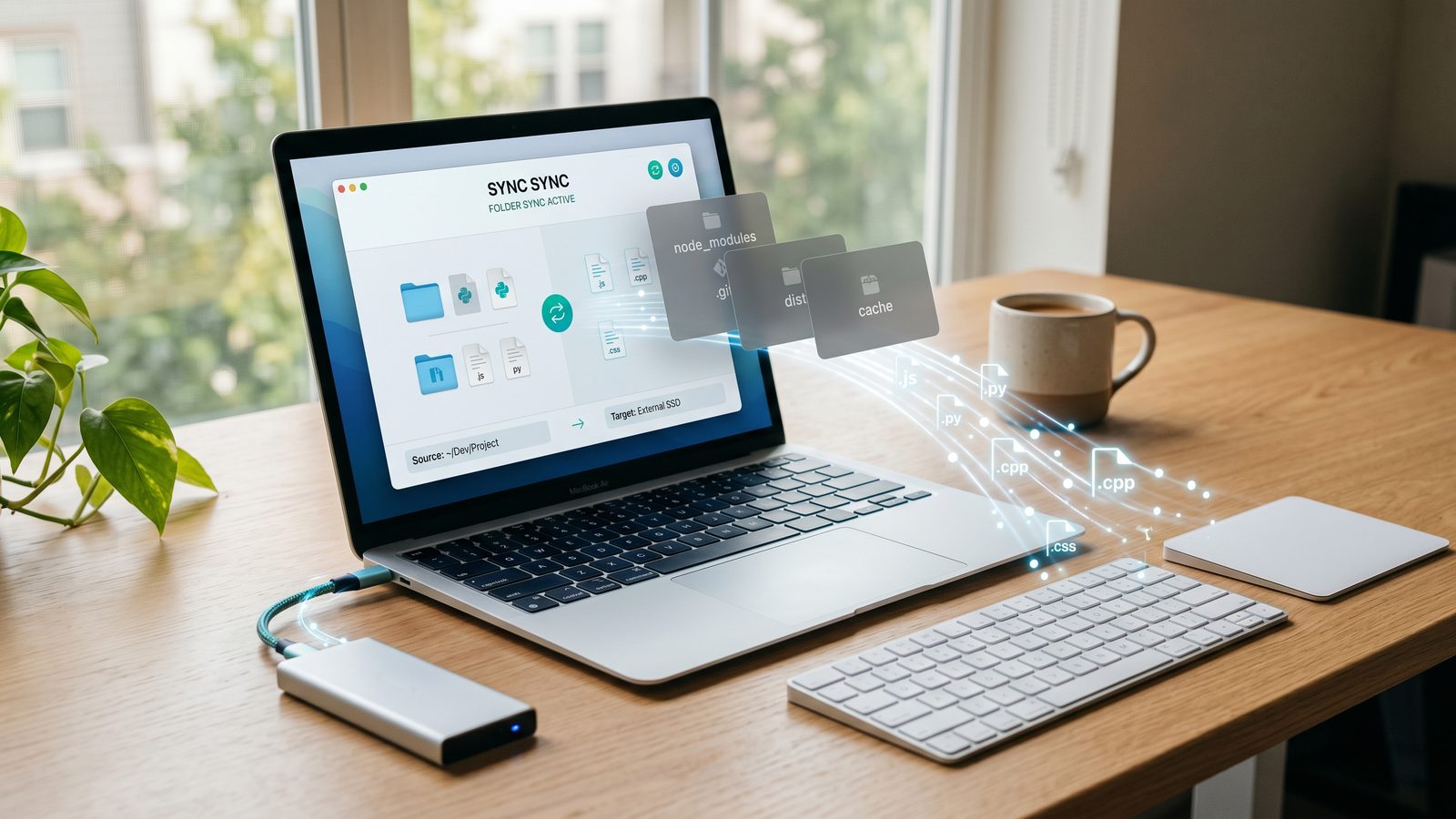
Lsyncer is a native macOS app for this exact job. It skips node_modules, .git, build caches, and dependency trees by default. You choose a source folder, choose a destination, set a schedule, and it backs up the parts of the project that are worth keeping.
The key difference is that Lsyncer understands what developer folders look like. You do not have to write exclusion rules from scratch or maintain a shell script. The defaults work for Node.js, Python, Ruby, and Rust projects out of the box.
Source:  ~/Developer/my-app
Dest:    /Volumes/Backup/my-app
Schedule: Weekly
Skip:    node_modules, .git, dist, .next, coverage
It is a one-time $19.99 purchase on the Mac App Store. No subscription, no cloud account, no server involved.
Quick comparison of all 5 solutions
| Method | Free? | Setup effort | Handles exclusions | macOS native | Visible status |
|---|---|---|---|---|---|
.nosync file |
Yes | Trivial | iCloud only | Yes | No |
| rsync script | Yes | Moderate | Manual | Terminal | Manual |
| iCloud terminal | Yes | Low | Limited | Yes | No |
| Syncthing | Yes | High | Yes | No | Web UI |
| Lsyncer | $19.99 | Low | Smart defaults | Yes | Yes |
My rule of thumb: use .nosync when you need a quick iCloud bandage. Use a filtered sync workflow when the backup actually matters and you want to know it ran.
Frequently asked questions
Does node_modules sync cause problems with all cloud providers?
Yes. iCloud, Dropbox, Google Drive, and OneDrive all struggle with large numbers of small files. The severity varies, but the root cause is the same: cloud sync tools were not designed to handle the file density of a Node.js dependency tree.
Is it safe to exclude node_modules from sync?
Yes. node_modules is generated from package.json and your lockfile (package-lock.json, yarn.lock, or pnpm-lock.yaml). Back up those files instead. You can always reinstall dependencies with npm install or your package manager.
Does the .nosync trick work on newer macOS versions?
As of macOS Sequoia, the .nosync file still prevents iCloud from syncing a folder. However, it is undocumented behavior. Apple could change this in any future update without notice. It is a useful shortcut, not a long-term strategy.
Can I sync node_modules between two Macs for faster installs?
You can, but it is usually slower than running npm install on the destination machine. Copying thousands of files over a network or external drive takes longer than downloading them from a registry. If you need fast setup on a new machine, a .npm cache folder is more efficient.
What does Lsyncer skip by default?
Lsyncer skips node_modules, .git, .next, dist, build, coverage, Python venv, Ruby vendor/bundle, Rust target, and common cache directories. You can add custom exclusion patterns for any folder that does not need syncing.
Related reading
- npm install slow on Mac — how to diagnose dependency installs that trigger iCloud or backup watchers
- Dropbox stuck syncing node_modules — the same dependency-tree problem when Dropbox watches your active project folder
- Google Drive exclude folder from sync — how to keep Drive useful as a clean destination instead of a live dependency workspace
- How to stop iCloud from syncing certain folders — four methods compared
Stop fighting your sync tool
A code folder is not a photo album. Most of what matters is small and worth backing up. Some of it, especially node_modules, is noise you can recreate.
If you only need a quick fix, use the .nosync trick. If you want scheduled backups, smart exclusions, and a clear status screen, try Lsyncer.
Get Lsyncer on the Mac App Store — $19.99, one-time purchase.