
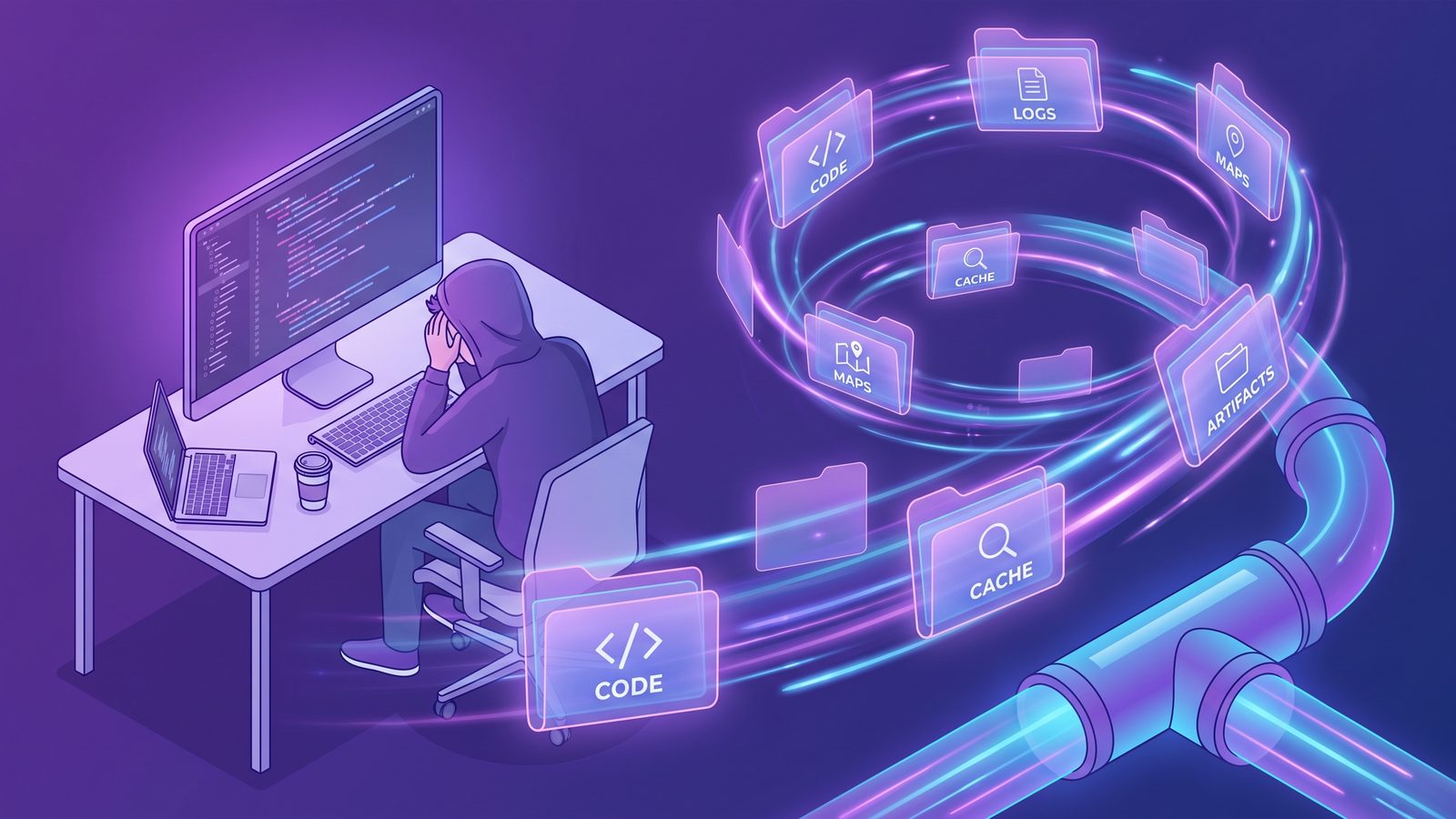
rsync exclude file types is the fastest way to keep a Mac developer backup useful without copying disposable logs, source maps, bytecode, archives, and cache files. The trick is to exclude by extension without accidentally dropping source files, lockfiles, or project metadata you will need during a real restore.
rsync exclude file types on Mac: the safe pattern
The basic pattern is simple: quote every wildcard, run a dry run first, and put the exclude rules before the source and destination paths. For a one-way backup of a project folder, start like this:
rsync -avhn --delete \
  --exclude '*.log' \
  --exclude '*.tmp' \
  --exclude '*.map' \
  --exclude '*.pyc' \
  --exclude '*.class' \
  --exclude '*.o' \
  ~/Developer/my-app/ /Volumes/DevBackup/my-app/
The n in -avhn means dry run. Keep it there while you check the output. Once the file list looks right, change -avhn to -avh and run the real copy. That two-step habit matters more than any clever exclude expression.
Quotes are not optional. If you type --exclude *.log, your shell may expand *.log before rsync sees it. If the current Terminal directory contains debug.log, the command can become --exclude debug.log, which is not the same policy. Quoted patterns such as --exclude '*.log' stay inside rsync, where wildcard matching belongs.
Why file-type excludes are different from folder excludes
Folder exclusions answer “which trees should never enter the backup?” File-type exclusions answer “which generated leaves can appear anywhere?” That distinction matters in monorepos, Rails apps, Python services, and frontend projects because generated files are often scattered through otherwise important folders.
A few examples:
logs/development.logis disposable, butlogs/.keepmight preserve an empty directory expected by a framework.src/components/Button.js.mapis generated, butsrc/components/Button.tsxis source.__pycache__/models.cpython-312.pycis rebuildable, butmodels.pyis not.coverage/lcov.infois test output, butcoverage.config.jsmight be checked-in configuration in some projects.
A blanket directory rule is faster when it is correct. A file-type rule is safer when generated files sit next to source files. Most broken backup policies come from using one style for every problem.
File types Mac developers can usually exclude
Do not start with a giant internet list. Start with file types your stack genuinely recreates. This list is a practical baseline for Mac developer backups:
# Logs, temp files, local runtime noise
--exclude '*.log'
--exclude '*.tmp'
--exclude '*.temp'
--exclude '*.swp'

# JavaScript and frontend build output
--exclude '*.js.map'
--exclude '*.css.map'
--exclude '*.tsbuildinfo'

# Python bytecode
--exclude '*.pyc'
--exclude '*.pyo'

# JVM / native compiled output
--exclude '*.class'
--exclude '*.o'
--exclude '*.obj'

# Archives and packaged artifacts, if your source can rebuild them
--exclude '*.zip'
--exclude '*.tar'
--exclude '*.tar.gz'
--exclude '*.tgz'

# macOS metadata
--exclude '.DS_Store'
--exclude '._*'
Review the archive rules before adopting them. Some teams keep release packages, vendor-provided SDK zips, or sample fixture archives in the repository on purpose. If those archives are source-of-truth assets, do not exclude them globally. Put generated release bundles in a known folder such as dist/ or releases/, then exclude that folder instead.

Combine file-type excludes with folder excludes
For real projects, extension rules alone are not enough. You still want directory rules for dependency trees and build caches because skipping an entire tree is clearer and faster than visiting every file inside it.
rsync -avhn --delete \
  --exclude 'node_modules/' \
  --exclude '.git/' \
  --exclude '.venv/' \
  --exclude 'venv/' \
  --exclude 'dist/' \
  --exclude 'build/' \
  --exclude 'coverage/' \
  --exclude '.next/cache/' \
  --exclude '*.log' \
  --exclude '*.tmp' \
  --exclude '*.map' \
  --exclude '*.pyc' \
  --exclude '.DS_Store' \
  ~/Developer/my-app/ /Volumes/DevBackup/my-app/
Whether to exclude .git/ depends on the backup's job. If the destination is a clean working-tree copy and your Git host stores history, excluding .git/ is reasonable. If you need an offline clone with local branches, reflogs, tags, hooks, and unpushed commits, keep .git/ or create a separate bare mirror with git clone --mirror. Do not let a generic exclude list make that decision for you.
Good candidates for file-type excludes
- Generated files that can be recreated from source and lockfiles.
- Runtime logs that only describe a local machine session.
- Compiler outputs stored beside source during development.
- macOS metadata such as
.DS_Storeand AppleDouble files.
Review before excluding
- Archives that may be vendor inputs or release artifacts.
*.envfiles, because secrets are sensitive but templates may be essential.- Database dumps or fixtures that may be the only copy of test data.
- Generated code committed intentionally for downstream consumers.
Use an exclude file for repeatable Mac backups
Once the command represents a real backup policy, move the rules into a file. It is easier to review in Git, easier to share across projects, and harder to break while editing a long Terminal command.
cat > ~/Developer/.rsync-file-type-excludes <<'EOF'
# Directories
node_modules/
.venv/
venv/
dist/
build/
coverage/
.next/cache/
.turbo/
.vite/

# File types
*.log
*.tmp
*.temp
*.js.map
*.css.map
*.tsbuildinfo
*.pyc
*.pyo
*.class
*.o
*.obj
.DS_Store
._*
EOF
Then call it from rsync:
rsync -avhn --delete \
  --exclude-from="$HOME/Developer/.rsync-file-type-excludes" \
  ~/Developer/my-app/ /Volumes/DevBackup/my-app/
Use $HOME in double quotes or an absolute path. Avoid --exclude-from='~/Developer/.rsync-file-type-excludes'; single quotes prevent the shell from expanding ~, and rsync will look for a literal path that begins with a tilde.
Test what rsync will skip before you trust it
A dry run tells you what would copy, but sometimes you need to inspect why a file did or did not match a rule. Add --itemize-changes to make output easier to scan:
rsync -avhn --itemize-changes \
  --exclude-from="$HOME/Developer/.rsync-file-type-excludes" \
  ~/Developer/my-app/ /Volumes/DevBackup/my-app/
For a quick source-side check, use find to see whether the file types you plan to exclude are actually present:
find ~/Developer/my-app \
  \( -name '*.log' -o -name '*.tmp' -o -name '*.map' -o -name '*.pyc' \) \
  -print | head -50
If the output includes files that should be preserved, narrow the rule. For example, exclude dist/**/*.map by excluding dist/, not by excluding every *.map file in a project where source maps are shipped intentionally.
Cloud sync destinations need stricter filters
If the destination folder sits inside iCloud Drive, Dropbox, Google Drive, OneDrive, Box, or a NAS client, filtering becomes more than a storage optimization. Every copied file becomes an event for another sync engine. A few thousand *.map, *.pyc, or *.log files can turn into a long upload queue, high CPU, duplicated conflict files, and a Mac that feels busy even after rsync has finished.
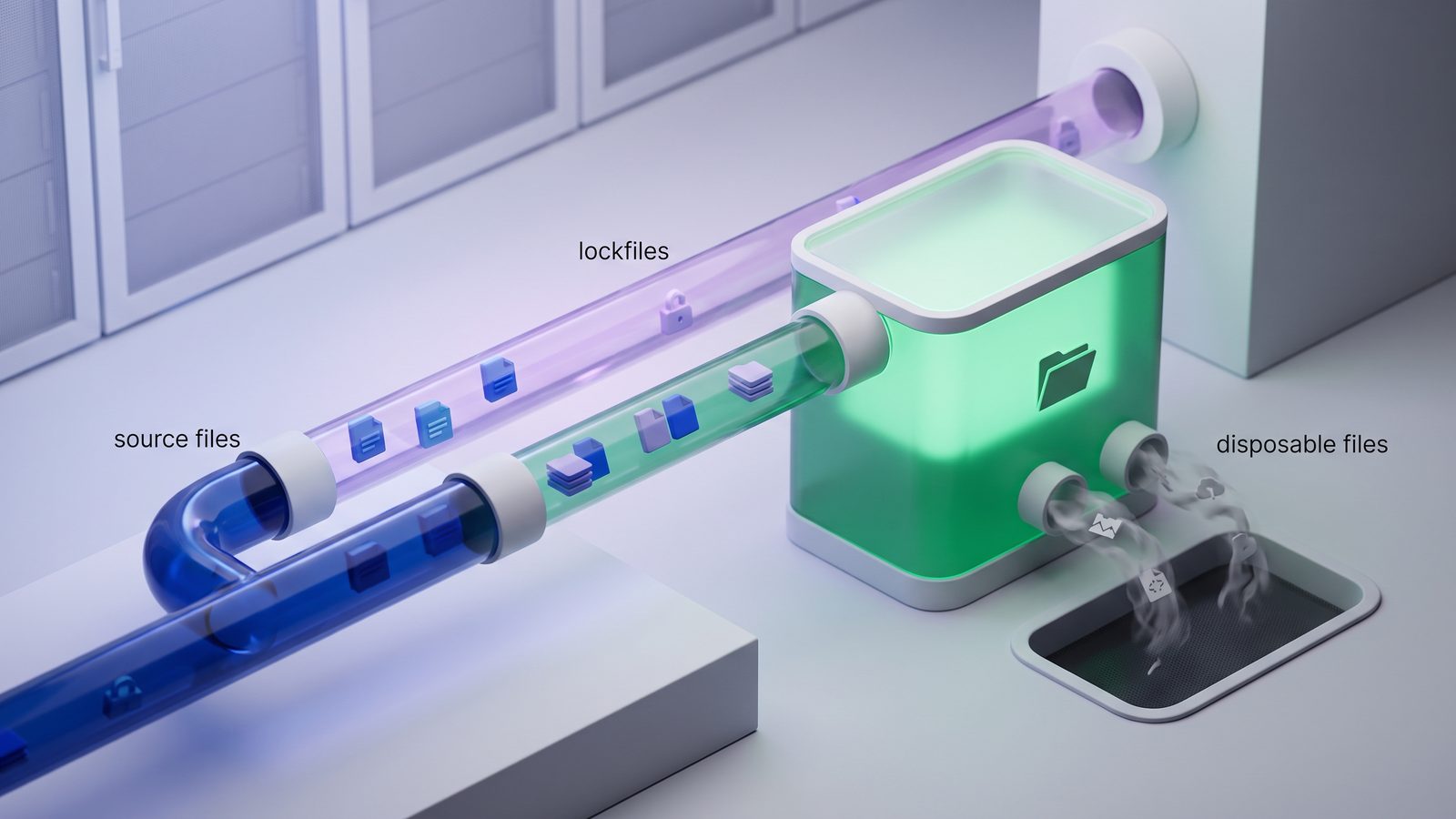
That is why developer backups should usually be staged as clean copies. Keep active working trees local, keep generated dependency folders out of cloud-backed destinations, and only sync files that matter for restore: source, tests, docs, config templates, lockfiles, migration files, and notes about how to rebuild.
When a GUI is better than more rsync flags
rsync is excellent when you are comfortable owning the command and reviewing dry-run output. It is less comfortable when the backup should run on a schedule, show status clearly, warn about failures, and be adjusted by someone who does not want to edit shell flags every time a project changes.
That is where LSyncer fits. It is a native macOS folder sync app for developers that lets you create filtered sync jobs, skip generated folders such as node_modules, .git, virtual environments, build output, and caches, and run clean backups without turning the command line into a fragile personal script. It is local-first, costs $19.99 once on the Mac App Store, and works well when you want the same filtered-backup idea with a visible app instead of another cron job.
Best practices for file-type exclusions
- Prefer source-of-truth thinking. Back up what you cannot recreate: source, lockfiles, migrations, docs, config templates, and project notes.
- Use dry runs before real mirrors. Especially when
--deleteis present. - Keep broad patterns out of destructive commands until reviewed. Rules such as
*cache*or*.envcan hide files you meant to preserve. - Separate secrets from templates. Store
.env.exampleor setup docs in the backup; keep real secrets in a password manager or secret store. - Restore-test occasionally. A backup policy is only real after you clone or copy it somewhere empty and rebuild the project from the preserved files.
Related reading
- rsync exclude multiple directories on Mac — build a reusable folder-exclusion policy for generated developer directories.
- rsync exclude-from Mac — move long rule lists into a maintainable exclude file.
- Mac copy folder exclude files — compare rsync, Finder, and filtered app workflows for clean project copies.
FAQ
How do I make rsync exclude file types?
Use quoted wildcard patterns before the source and destination, such as --exclude '*.log', --exclude '*.tmp', or --exclude '*.pyc'. Run with -n first so you can review the dry run before changing files.
Should I exclude *.map files from a Mac developer backup?
Usually yes if source maps are build output from frontend tooling. Review first if your team ships source maps intentionally or stores them as release artifacts. If source maps only appear under dist/, excluding the whole dist/ folder may be clearer.
Is it safe to exclude *.env files with rsync?
Be careful. Real .env files often contain secrets and should not be copied into casual backups, but setup templates such as .env.example can be essential during restore. Prefer explicit rules and document where secrets are stored.
Why does my rsync exclude pattern not match on macOS?
The common causes are unquoted wildcards, a pattern anchored to the wrong transfer root, a trailing-slash mismatch, or include/exclude order when you combine both. Start with a dry run and a small test folder before using the rule in a large mirror.
Can I use LSyncer instead of rsync exclude rules?
Yes, if you want a native Mac app with visible jobs, schedules, status, and developer-oriented exclusions. rsync remains a strong command-line option; LSyncer is useful when you want the same clean filtered sync workflow without maintaining shell commands.